

Parking Seeweg 1 Uster
from CHF 2 Reserve in advance
How to book
- Press Reserve. The booking page for this car park opens.
- Choose when you arrive and when you leave.
- Enter your number plate, including the country letters.
- Check the total price shown for your dates, then pay.
- Your confirmation contains the link that opens the gate.
Direct booking link: no-app.sharep.io/car-park/A9RPHB
- Location
- Seeweg 1, 8610 Uster
- Directions
- Open in Google Maps
 Go to list of parkings
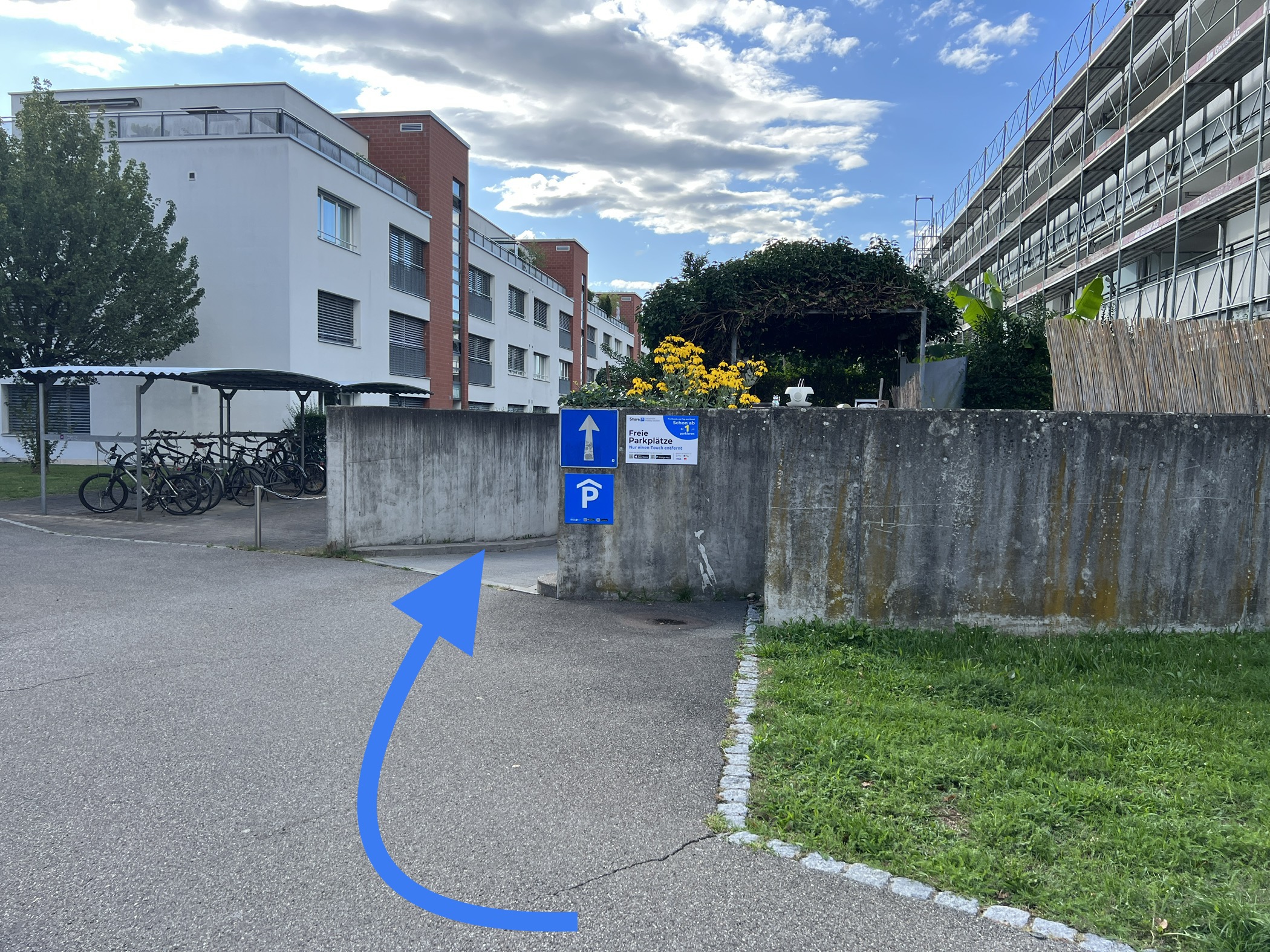
Parking at Seeweg 1, Uster
Seeweg 1 is in Uster, where Seeweg meets Seestrasse, on the way down to the shore of Lake Greifensee. The Uster lido, Strandbad Uster, is a few hundred metres away.
Secure a space online in advance. No app, no account: enter your arrival and departure, add your number plate and pay. The confirmation comes with the link that opens the gate. Before paying, you see the total price for the dates you picked.
There are 5 spaces. Book an hour, a day or 30 days, with the longer options cheaper per hour, which suits a day at the lake as well as regular parking near home. A subscription is available too, and every booking keeps your space free for the time you reserved.
Price list

1 hour
CHF 2.00
Starting price for a 1-hour reservation

1 day
CHF 15.00
Starting price for a 1-day reservation

30 days
CHF 165.00
Starting price for a 30-day reservation
Questions drivers ask
My reserved space is taken. What now?
Do not go looking for another car park. A reserved space is held for you for the whole time you booked, and if somebody has parked in it without booking, that is ours to put right. Call us from the car park and we will sort it out while you wait. +41 44 505 44 50
The gate does not open.
Open the gate from the ShareP app or from the link in your booking confirmation. If you booked with a number plate, check that it matches the car you are in, including the country letters. If the gate still does not move, call us from the gate and we will open it for you. +41 44 505 44 50
Can I arrive earlier or leave later than I booked?
Your space is held from the start of your booking to its end, not before and not after. If you will need longer, extend the booking before it ends, in the ShareP app or from the link in your confirmation. Time outside the booking is not guaranteed a space.
How is the price worked out?
You pay for the periods shown in the price tiles on this page, from the first period onwards. The booking screen shows the exact total for your dates before you pay, and that is the amount you are charged.
How do I cancel a booking?
From the link in your booking confirmation or in the ShareP app. The conditions that apply to your booking are shown on it before you pay.


 English (UK)
 Deutsch (Schweiz)
 Español
 Français
 Українська
 Polski
 Italiano
 Nederlands